



Traveling across a large world in Terraria can take time, especially when you need to gather resources, fight bosses, or revisit distant biomes. Terraria pylons offer a convenient fast-travel system that connects towns and makes exploration more efficient. In this GameORB guide, you’ll learn how to get pylons, meet placement requirements, understand NPC happiness, and build a reliable teleportation network.
What Are Pylons In Terraria?
Pylons are placeable items that let players teleport between connected locations. Each biome-specific Pylon is designed for a particular environment, making it useful for creating small towns across your world.
Once you have at least two functioning pylons, you can open the fullscreen map and select another available Pylon to travel there.
Pylons are especially useful for:
- Reaching distant biomes quickly while exploring or gathering materials.
- Returning to important locations, such as the Ocean, Jungle, or Cavern layer.
- Moving between NPC towns without building long minecart tracks or relying on other transport methods.
Important: Each Pylon type can only be placed once per world, and ordinary pylons must be placed in their corresponding biomes to function.
How to Get Pylons In Terraria
The main way to obtain biome-specific pylons is to purchase them from eligible NPC vendors. Follow these steps to get started.
Step 1: Build Suitable NPC Housing
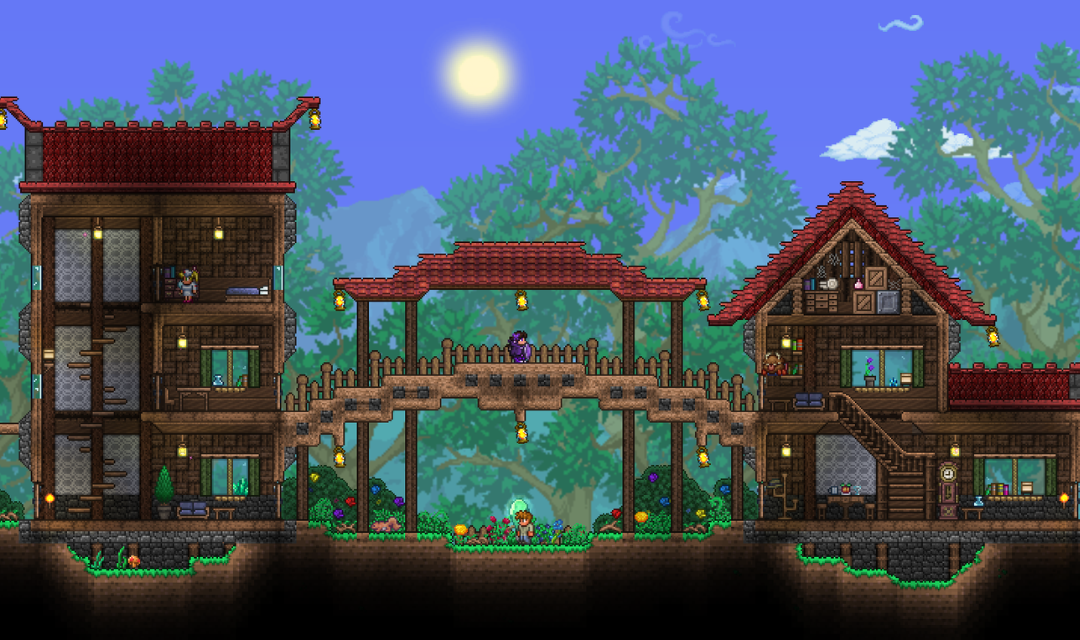
Build valid houses in the biome where you want to establish a teleportation point. Make sure the houses meet the game’s housing requirements and that the NPCs can move into them.
You generally need at least two housed NPCs near each Pylon to keep the teleportation point functional. Town pets can also count toward this requirement.
Step 2: Move A Vendor NPC Into The Area
Assign a vendor NPC to your new town, with at least one other NPC living nearby. Eligible vendors can sell biome-specific pylons, depending on the biome where your character is standing.
As of Terraria 1.4.5, NPCs no longer need to meet a minimum happiness threshold to sell pylons. However, the NPC must still be a vendor who sells items (like the Merchant, Nurse, or Demolitionist) and must have at least one other NPC housed nearby.
A vendor with no other NPCs in the area will not sell a Pylon. NPC happiness still affects shop prices, so choosing suitable neighbors and biomes can help you save money. A happier vendor will offer the Pylon at a lower price, so it is worth pairing them with a liked neighbor and preferred biome if you want to reduce the cost.
Step 3: Buy The Correct Pylon
Visit the vendor and check their shop inventory. To obtain a particular biome’s Pylon, make sure your character is standing in the corresponding biome when opening the shop.
For example, visit an eligible vendor while standing in the Snow biome to look for the Snow Pylon. The vendor’s home biome does not determine which Pylon appears in the shop.
Step 4: Place And Activate The Pylon
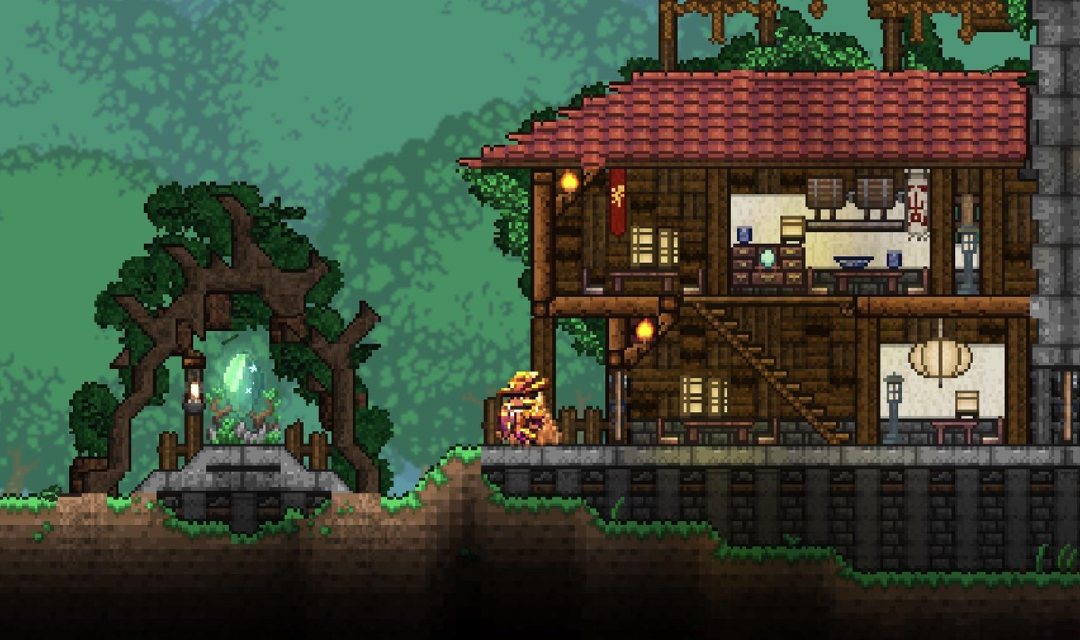
Place the purchased Pylon in its matching biome. Ensure that at least two housed NPCs meet the nearby housing requirements, then move close enough to interact with it.
Open the fullscreen map and select another functioning Pylon to teleport. Repeat this process to establish a network connecting your main base, resource-gathering areas, and important destinations.
All Terraria Pylon Types And Their Biomes
Terraria 1.4.5 introduced additional Pylon types, expanding the available fast-travel network. The table below summarizes the 11 types available in the current desktop version.
| Pylon Type | Where to Place It |
| Forest Pylon | Forest biome |
| Snow Pylon | Snow biome |
| Desert Pylon | Desert biome |
| Cavern Pylon | Cavern layer |
| Ocean Pylon | Ocean biome |
| Jungle Pylon | Jungle biome |
| Hallow Pylon | Hallow biome |
| Glowing Mushroom Pylon | Glowing Mushroom biome |
| Underworld Pylon | Underworld |
| Aether Pylon | Aether area, near Shimmer |
| Universal Pylon | Any biome |
The Universal Pylon is a special option obtained by completing the Bestiary. Unlike biome-specific pylons, it does not require nearby NPCs or a matching biome to function.
For ordinary pylons, always check the biome at the placement location. Underground depth, nearby biome blocks, and overlapping biome boundaries can affect which Pylon types work in a particular area. Note: The Forest Pylon has a unique property; it can function both on the surface Forest biome and in the Space layer above the surface. This makes it useful for building a sky town or an early-game teleport hub near your spawn point.
NPC Happiness in Terraria and Pylon Requirements
NPC happiness is an important mechanic for managing towns and reducing shop prices. Each NPC has preferred biomes and relationships with other NPCs, and these preferences affect their happiness.
How NPC Happiness Works
Three main factors influence NPC happiness:
- Biome preference: NPCs may prefer, like, dislike, or hate the biome where they live.
- Neighbor preference: Some NPCs enjoy living near specific characters, while others prefer different company.
- Crowding: Housing too many NPCs close together can reduce happiness.
You can check an NPC’s happiness through their dialogue and use the feedback to adjust housing arrangements.
Although happiness no longer determines whether a vendor can sell a Pylon in Terraria 1.4.5, happier NPCs can offer better prices. This makes good town planning worthwhile even when your primary goal is fast travel.
How Many NPCs Do You Need For A Pylon?
Each ordinary Pylon needs at least two housed NPCs within a rectangular area of 169 × 124 tiles centered on the Pylon. The NPCs must also be sufficiently close to their assigned home tiles to satisfy the housing rules.
Town pets can count toward the requirement, which gives you more flexibility when arranging settlements.
Important: The Pylon checks whether NPC homes are within the 169 × 124 tile area, not whether the NPCs themselves are standing nearby. This means the Pylon will continue to function even if the NPCs wander off to another part of the town, as long as their assigned houses remain inside the required area.
Keep these conditions in mind:
- Both the starting Pylon and destination Pylon must be functional.
- Each ordinary Pylon must be in its correct biome.
- You must be close enough to a Pylon to use it.
- The minimap must be enabled.
The Universal Pylon is the exception to the normal biome and nearby-NPC requirements.
Best Tips For Building A Terraria Pylon Network
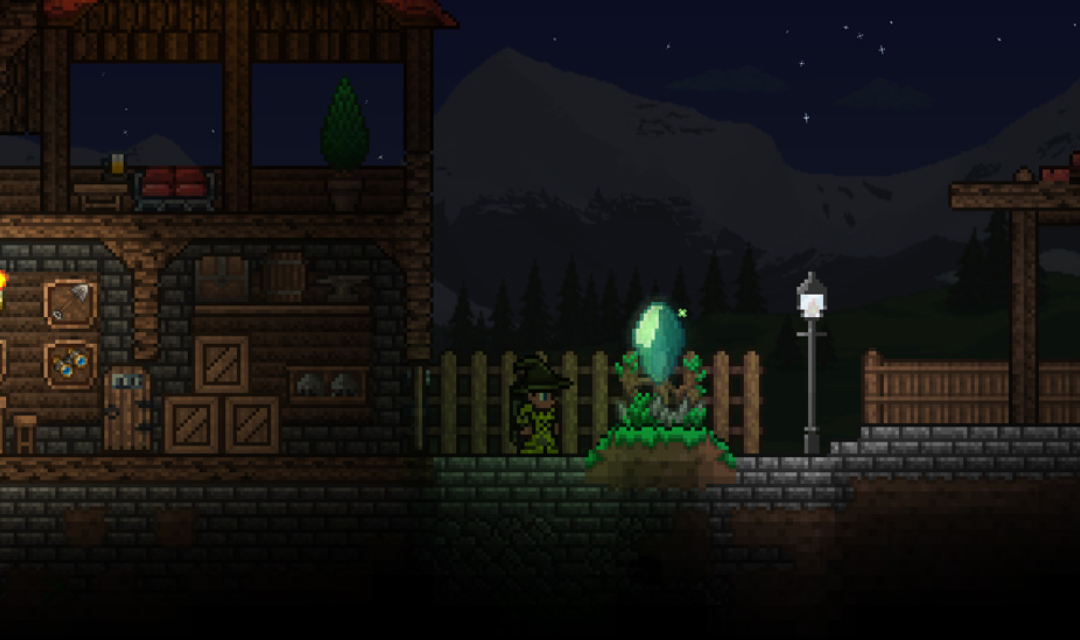
A little planning makes your fast-travel system easier to maintain as your world expands.
Prioritize Important Locations
Start with biomes you visit frequently, such as the Forest, Desert, Snow, and Jungle. Add Cavern or Ocean travel points when you regularly gather resources or explore those areas.
You do not need to build every town immediately. Expanding the network gradually helps you manage housing and resource costs.
Keep NPC Housing Close To Each Pylon
Place houses within the required area around each Pylon. If you move NPCs to another settlement, check that both locations still meet the minimum housing requirement.
A Pylon can stop functioning when too few eligible NPCs remain nearby, even if the item itself is correctly placed.
Use NPC Preferences To Reduce Shop Prices
Pair NPCs with compatible neighbors and place them in biomes they prefer. This can lower vendor prices and make purchasing pylons and other supplies more affordable.
Remember that a perfect happiness arrangement is no longer necessary just to unlock Pylon sales in version 1.4.5.
Check Biome Boundaries Before Placing Pylons
Some locations contain overlapping biome conditions, which can affect Pylon placement and shop inventory. If a Pylon refuses to work, verify the biome at its base rather than relying only on the surrounding scenery.
Why Is My Pylon Not Working?
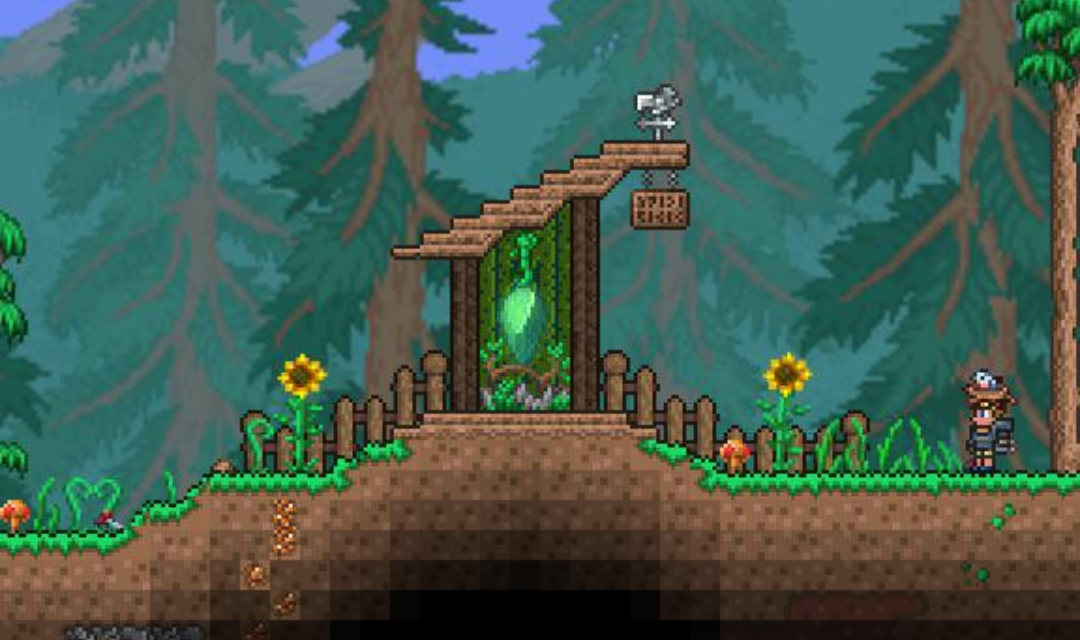
If you cannot use a Pylon, check the following common causes:
- Wrong biome: The Pylon is outside its required biome.
- Not enough housed NPCs: Fewer than two eligible NPCs are within the required area.
- NPCs moved away: Relocating houses or characters has left the Pylon without enough nearby residents.
- Player too far away: Move closer to the Pylon before opening the map.
- Minimap disabled: Enable the minimap in the game settings.
- Duplicate Pylon type: Only one Pylon of each type can be placed in a world.
If all conditions are satisfied, interact with the Pylon or open the fullscreen map and select your destination again.
Conclusion
Terraria pylons are essential for faster travel between biomes, making exploration and resource gathering more convenient. By choosing suitable locations, maintaining nearby NPC housing, and understanding the latest Pylon requirements, you can build an efficient network without unnecessary backtracking. Follow more practical Terraria tips and walkthroughs on GameORB to make the most of your adventure.