


A Palworld interactive map can make exploration much easier by helping you quickly find important locations, resources, Pals, and other points of interest. Instead of searching across the world manually, you can use filters and map markers to plan where to go and what to collect. In this guide, GameORB explains how to use an interactive map effectively and make exploration more efficient.
How To Use the Palworld Interactive Map
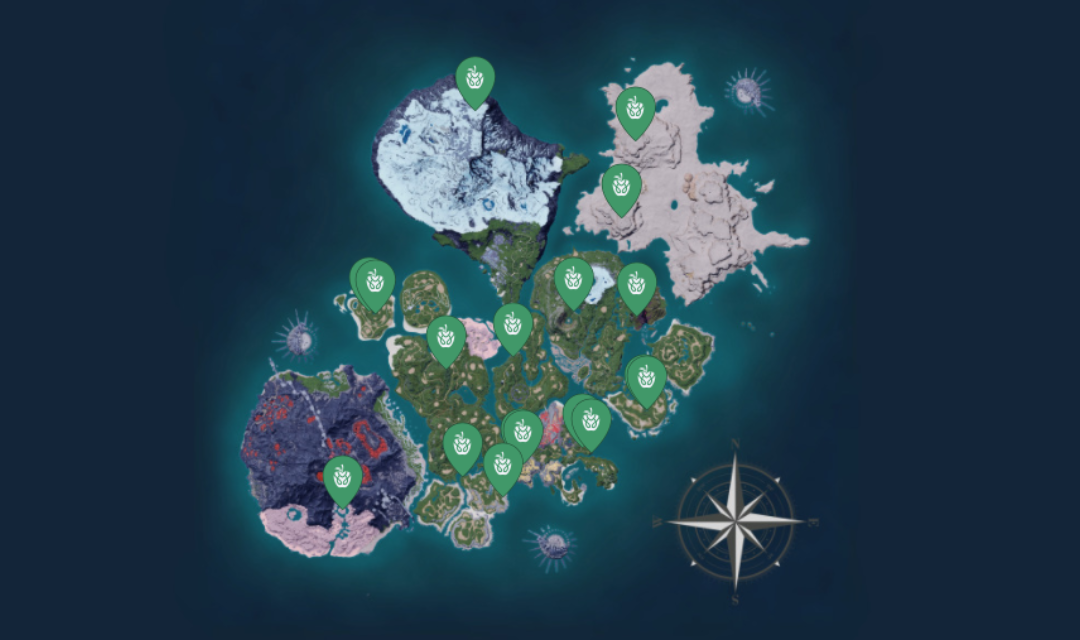
An interactive map gives you a detailed view of the Palworld world and lets you search for different locations and points of interest. The exact features vary between maps, but most provide search tools, filters, and individual markers to help you find what you need.
Search For Specific Locations
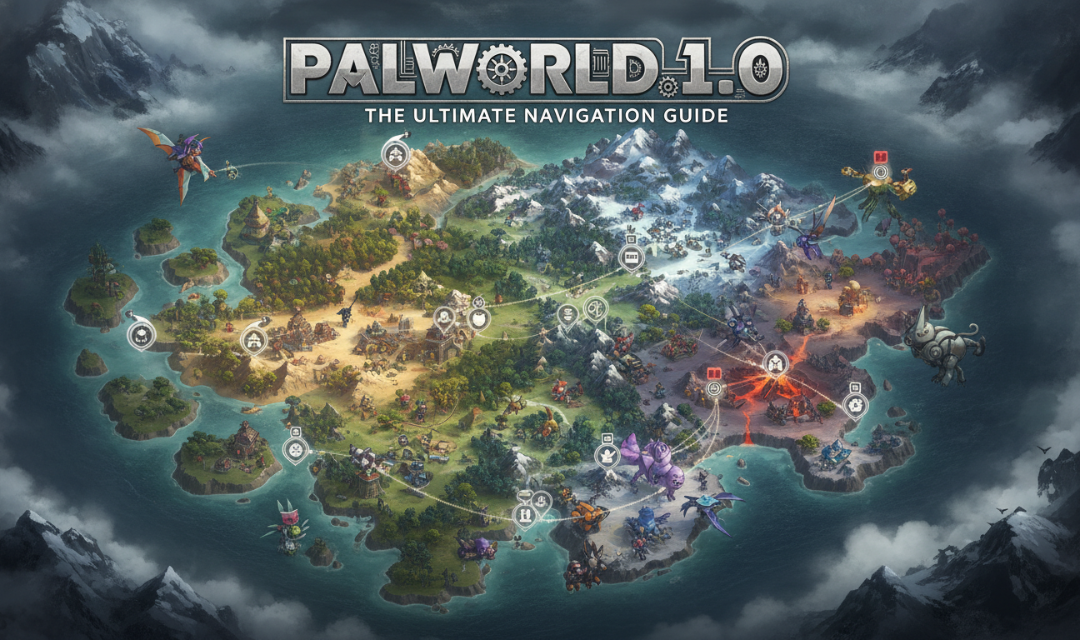
If you are looking for a particular Pal, resource, dungeon, boss, or other location, use the search function on a Palworld Interactive Map whenever available. Enter the name of the location or target you need, then select the relevant result to display it directly on the screen.
This is especially useful when you already know what you want but are unsure where to find it. Instead of exploring large areas randomly, you can identify a suitable destination first and then travel there in-game.
Use Map Filters
Filters make a large map much easier to navigate. Rather than displaying every available marker, you can select only the categories relevant to your current objective.
Depending on the interactive map, common categories may include:
- Pals and Pal spawn locations
- Fast Travel points
- Dungeons
- Bosses and Alpha Pals
- Towers
- Chests
- Skill Fruits
- Resource locations
- Eggs
- Merchants and other NPCs
For example, if you are searching for a resource, hiding unrelated markers can make nearby resource nodes much easier to identify.
Check Individual Map Markers
Map markers often contain additional information when selected. Depending on the map, you may see the location name, coordinates, nearby resources, Pal information, or other details.
Always check the marker before traveling if additional information is available. This can help you confirm that the location matches your objective and make it easier to plan your route.
Important Palworld Map Locations to Know
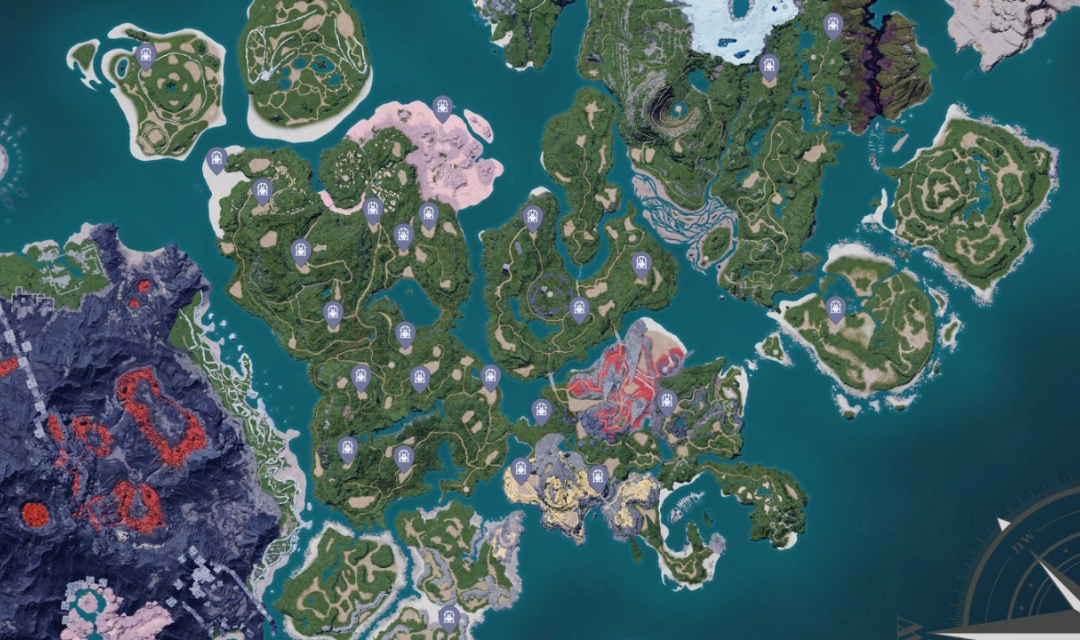
The Palworld map contains many different points of interest, from travel points and dungeons to boss encounters and important landmarks. Knowing what these markers represent can make exploration more efficient.
Fast Travel points are particularly useful because activating them gives you more convenient travel options between different parts of the world. When entering a new region, finding nearby Fast Travel points can save significant time during future trips.
Dungeons and boss locations are useful when you are looking for challenging encounters, loot, or specific progression objectives. Checking a Palworld Interactive Map can help you identify these locations before setting out, especially when you are preparing for a particular fight.
Towers are another important type of location. They represent major challenges and can also serve as useful landmarks when navigating unfamiliar areas.
Instead of trying to memorize every location, you can use the map to identify the points of interest that matter for your current stage of progression.
Palworld Resource Locations
Finding resources becomes increasingly important as you progress through Palworld. An interactive map can help you locate useful resource areas before you leave your base, making farming trips more focused and efficient.
Finding Resources On The Palworld Map
For common materials such as Wood and Stone, you can usually gather them naturally while exploring. However, the map becomes more useful when you need large amounts of resources such as Ore, Coal, Sulfur, or Pure Quartz.
Some useful farming areas include:
- Ore + Coal: The Verdant Brook area around (190, -40) is a notable mining spot with both Ore and Coal nearby, making it useful for producing Refined Ingots more efficiently.
- Sulfur: A concentrated Sulfur area can be found around (-594, -525) near the volcanic region, with a Fast Travel point nearby.
- Pure Quartz: The Astral Mountains around (-212, 249) are known for a large Pure Quartz cluster, making this area useful when you need Quartz for advanced crafting.
- Crude Oil: On Sakurajima, the area around (-646, 270) is a notable location for Crude Oil extraction and can also provide access to other nearby resources.
When using an interactive map, search for the resource you need and check whether several nodes are grouped in the same area. You can then compare the cluster with nearby Fast Travel points and plan a shorter farming route instead of visiting isolated nodes.
How to Find Pals on the Palworld Map
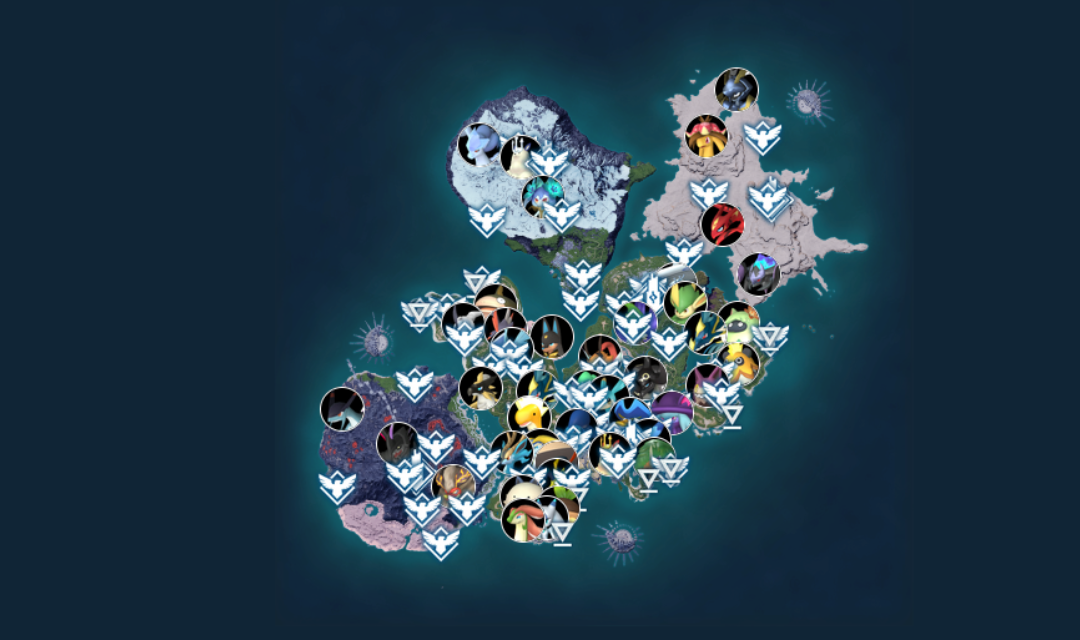
Searching for a specific Pal is another practical reason to use an interactive map. Instead of exploring large areas hoping to encounter the Pal you want, you can search for its name or select the appropriate Pal category.
Search for Specific Pals
Start by locating the Pal you want using a reliable Palworld Interactive Map. If the map supports search, entering the Pal’s name is usually the fastest option. Otherwise, use the Pal or spawn-location category to narrow down the available markers.
Once you find a suitable location, check whether the map provides coordinates or additional information about the spawn area. This lets you prepare your route before traveling.
Check Spawn Information
Some detailed features on a Palworld Interactive Map provide more than just a general spawn location. Depending on the available data, you may also find information about when a Pal appears, nearby locations, or other useful details.
This can be particularly helpful when you are collecting specific Pals or looking for one with abilities that fit your party or base. Checking the available information first can prevent wasted trips to locations that do not match your objective.
Tips for Getting The Most From The Palworld Map
Using the map effectively is not just about finding locations. A few simple habits can help you save travel time and make exploration more convenient:
- Combine Fast Travel With Resource Farming: When farming resources in remote areas, activate a nearby Fast Travel point first. This gives you a convenient return route when you need to farm the same materials again.
- Use Personal Markers: If the interactive map supports custom markers, save useful locations such as your base, favorite farming spots, boss locations, or areas you want to revisit.
- Check Spawn Times for Rare Pals: Some Pals may have specific spawn conditions, such as appearing at certain times or under particular circumstances. Check the available information before traveling to avoid unnecessary trips.
- Use Filters in Layers: Avoid displaying every marker category at once. Turn filters on or off based on your current objective so important locations remain easier to identify.
Palworld Interactive Map FAQ
Does the Palworld interactive map show coordinates?
Yes. Many interactive maps show coordinates for individual locations, making it easier to find specific spots in-game.
Can I use an interactive map to plan a Palworld base location?
Yes. You can check nearby resources, Fast Travel points, and other useful locations when choosing a base location.
Are all Palworld map markers available from the start?
Not necessarily. An interactive map may show locations that you have not yet discovered or unlocked in-game.
Should I use an interactive map while playing Palworld?
Yes, especially when you need to find specific Pals, resources, or locations quickly.
Conclusion
A Palworld interactive map is a practical companion for players who want to explore more efficiently without spending unnecessary time searching for specific locations. It can make it easier to plan journeys, find useful areas, and prepare for your next objective. GameORB recommends using one alongside normal exploration so you can save time while still enjoying the discovery and progression that make Palworld fun.